
.svg)




The New Geisinger Broker Portal is Here!
Geisinger’s broker portal is here!
With it, you can manage your business operations from one site — so you have more time to focus on building your client base and selling. Now you can easily:
- Order and download sales collateral and marketing material
- Upload all license and AHIP certifications
- Access other functions, such as Litmos for product training
- Create service requests and follow them in real time for 24/7 enhanced customer service
Getting started is easy.
Step 1: Download our “Need Help?” tool before accessing the portal. Download now
Step 2: Make sure you’re using the Chrome browser. Don’t have Chrome? Download it here: Download Chrome
Step 3: Set up your username* and password here: Create an Account
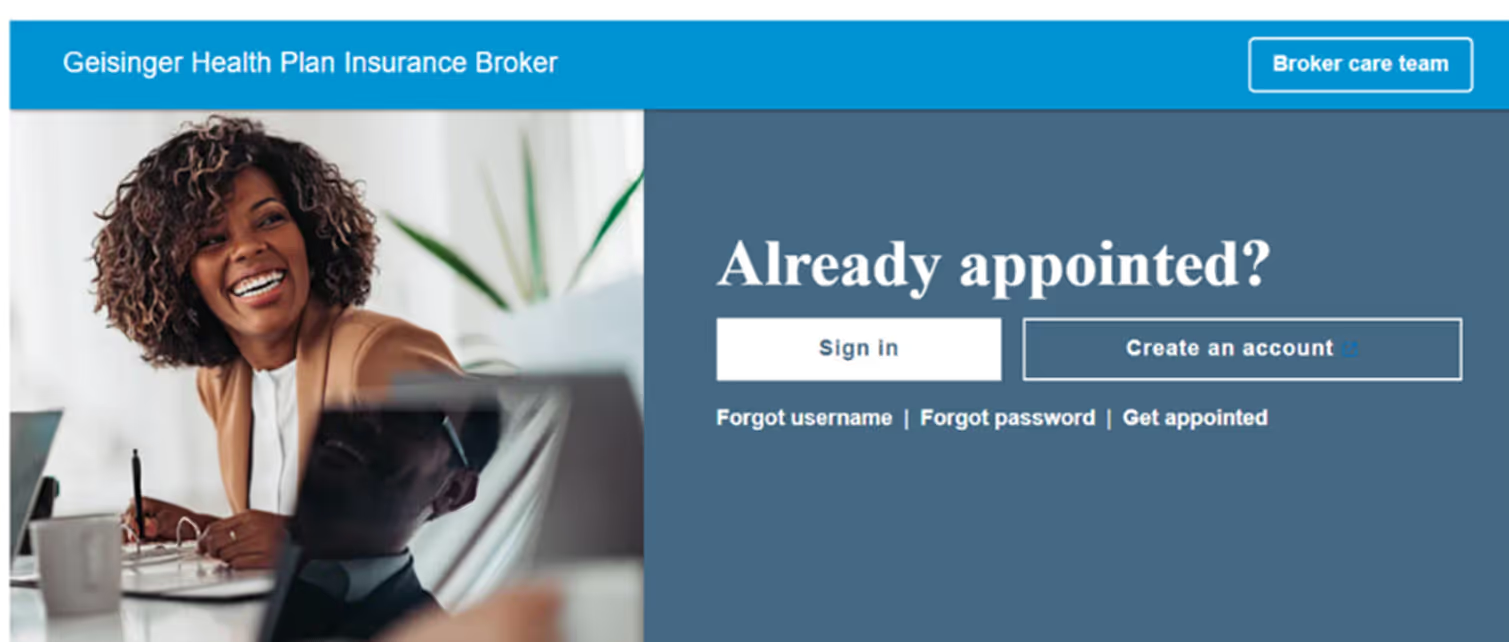
Step 4: Get to know the new portal! When you first log in, you’ll see a pop-up with links to training videos. Choose the one that applies to you:
- Administrator
- Selling Agent
If you need to access the videos later, click on “Need Help?”
* If you’re appointed for multiple lines of business, with different uplines, you will have separate usernames to access the portal for each line of business.
Questions? Call us at 855-888-8326.
Don't have a MedicareValue page yet?
Get Your FREE Site >Posts you may be interested in...
 Read More
Meet your California Broker Channel Manager: Sandy Wang

Meet your new Broker Channel Manager in California!
 Read More
New business technology is on the way for brokers!
These changes include a new contracting system for all brokers/agents, and a new commissions experience for MA/PDP users.
 Read More
Highmark Important Updates: Medigap, SSBCI, and Delaware D-SNP Information
Medigap, SSBCI, and Delaware D-SNP Information
Read MoreExtend Your Molina Selling Season to December 31!
AEP is coming to a close, but the Integrated Care SEP* can still be used
 Read More
UnitedHealthcare: JarvisWRAP for December 1
AEP support, UCard shipments and SSBCI verification
Read MoreCigna Broker Insights: November 2025 - Edition 11.2
Broker Insights: The newsletter for all Medicare brokers - 11.2
-01.png)
Who we are & what we do.
Choosing an FMO to work with is not just about having access to top insurance products and commissions, it’s about finding a one-on-one agent service that is prepared to meet your needs.
Get to know us, and see how we can help you take your business to the next level.


Canandaigua, NY 14424
Thursday: 8:30 am to 4:30 pm
Friday: 8:30 am to 4:00 pm


